Minecraft Education Edition is a totally separate game and requires players to download it, though it is free for people with an Office 365 account since Microsoft owns it.
Many players may be hesitant to download or buy an entirely different game (for storage space or financial issues). But there is a way for Bedrock Edition players to try it out the Education Edition, though.
Unfortunately for Java Edition, the Education feature is a Bedrock exclusive, highlighting the fact that each edition has benefits that the other doesn’t. Here’s how to get the Education Edition on Bedrock.
Minecraft bedrock edition for the longest time has had a bad reputation in the minecraft community. It’s many good features were frequently overshadowed by the marketplace, and looking past that, bedrock is actually really solid. So, is bedrock better then java now?Video live!
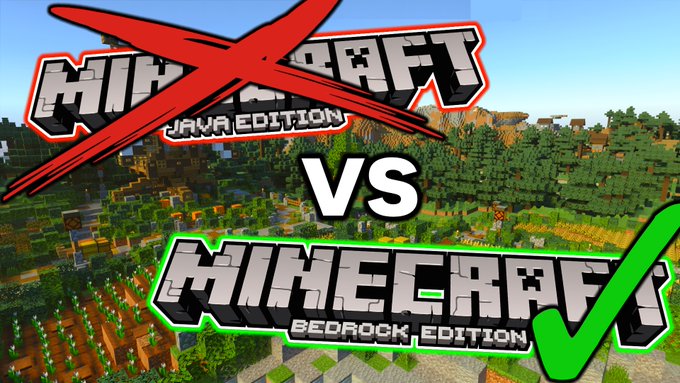

Minecraft bedrock edition for the longest time has had a bad reputation in the minecraft community. It’s many good features were frequently overshadowed by the marketplace, and looking past that, bedrock is actually really solid. So, is bedrock better then java now?Video live! https://t.co/F5HqEyJLEl
Minecraft: Education Edition – How to play it on Bedrock
Minecraft Education Edition is a tremendous asset. Giving players the opportunity to learn outside of school (or inside of it if teachers want to make use of it) in the form of a video game that is already immensely popular with that age group is fantastic.
It’s also a great option for kids whose schools are closed during the COVID-19 pandemic. Learning should never stop, and Education Edition offers a chance for that to actually be the case.
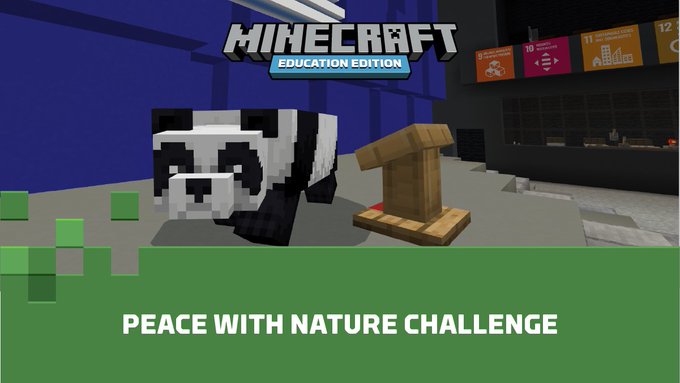
Teach sustainability with the Peace with Nature Challenge using resources from @UNESCO that cover clean water, waste, climate change, and clean energy. Students can build in #MinecraftEdu demonstrating how to protect our planet.Get started: msft.it/6010X5VrG https://t.co/hhjzbwdxpV
Players with Minecraft Bedrock Edition have the opportunity to experience that. This means that any Nintendo Switch, Pocket Edition, Xbox, PlayStation or Windows 10 users will have access to these features.
</figcaption></figure>
<p>Follow these steps to enable Education Edition on a Bedrock world:</p>
<p><h3 class=) Also Read
Also Read
- Open Minecraft Bedrock Edition on whatever platform the player wants to play on.
- Create a new world. Education Edition cannot be turned on in an existing world and it cannot be turned off later once it’s been created.
- Ensure the world is set to Creative. Players could do Survival, but the Education Edition features rely on Creative, so it would be redundant.
- Scroll down in the world settings and find the Activate Cheats toggle and ensure it is set to on. Both that and Creative will disable achievements for the world.
- The next toggle below that one is for Education features. Toggle that to on.
- Confirm that this is the desired outcome and click continue.
- Finish setting up any other world settings and create the world
- Play Education Edition!
For more Minecraft content, check out our Facebook page!
Follow Sportskeeda Minecraft onYouTube,Snapchat and Facebook for latest news and updates!


