Over Minecraft’s decade-long tenure, Mojang has released multiple versions of the popular block-building game. Thankfully, players can enjoy the game with friends on any platform.
However, there is one stipulation. Players will need to have the same version of Minecraft to play across consoles and personal computers. Console players on Xbox, PlayStation, and Nintendo Switch that want to play Minecraft together will each need to be playing on Bedrock Edition. This also applies to players on computer platforms hoping to play with their friends on consoles.
How to play cross-platform on Minecraft Bedrock Edition
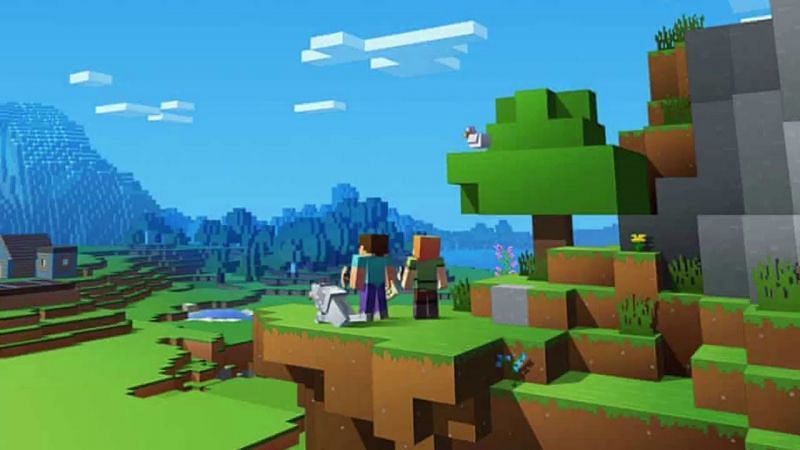
</figcaption></figure>
<p>Since Minecraft’s “Better Together” update, players and fans worldwide have been able to enjoy the game across platform barriers.</p>
<p>For PlayStation and Xbox players, Minecraft’s Bedrock Edition has made cross-platform play incredibly easy to dive into. Multiplayer is one of the most rewarding experiences in the game. Thankfully, Mojang and Microsoft have made crossplay achievable in just a few short steps:</p>
<ol>
<li>After booting up Minecraft Bedrock Edition, players can sign into their Microsoft Account. Xbox users will sign in automatically. Console players will also need an active subscription to online services such as Xbox Live or Nintendo Switch Online.</li>
<li>Create a new world or load an existing one and open the in-game pause menu.</li>
<li>Select “Invite to game” on the right of the pause menu and pick the option to “Find cross-platform friends.”</li>
<li>Players can find a fellow player via their Minecraft ID and add them to their friends list.</li>
<li>Once the friend is added, they’ll appear in the “online friends” area of the invitation screen when they’re online and available.</li>
<li>Players can simply select “Send invite,” and the friend will be able to join their world after accepting the invite.</li>
</ol>
<p>It is important to keep in mind that some console-exclusive maps will not be available for multiplayer in Minecraft Bedrock Edition. For example, some Nintendo-exclusive DLC maps such as “Mario Mash-Up” will only be accessible by players on Nintendo Switch.</p>
<p>However, for standard auto-generated worlds and seeds, everything is fair game for cross-platform play. So, players can log in, grab a few friends, and start exploring and building to their hearts’ content. </p>
<hr>
<p><strong>Read More: </strong><strong><a href=) Minecraft 2.26 update for Bedrock Edition – List of changes, new features and more
Minecraft 2.26 update for Bedrock Edition – List of changes, new features and more
Sportskeeda now has a dedicated Minecraft YouTube channel. Click here!
Edited by Rachel Syiemlieh
Please follow and like us:


