A new beta version for the Minecraft Bedrock Edition has just been released, and it contains a couple of new features and bug fixes.
Players will have to enroll themselves for the beta to be able to try out all the new features of the new version.
Luckily, Mojang has made this process quick and simple so that even the least tech-savvy of players can enjoy the beta.
Also read: Minecraft 1.18 Caves & Cliffs Update Part Two Cave Generation: Everything players need to know
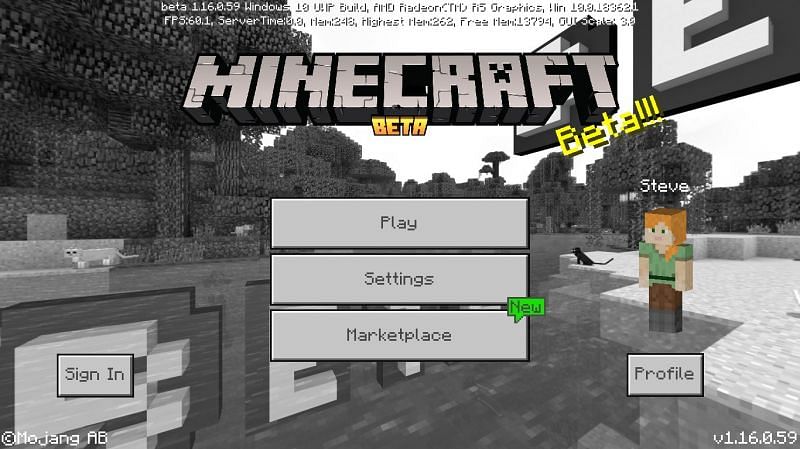
How to install and play the Minecraft Bedrock 1.17.10.23 beta version on Windows devices
</figcaption></figure>
<p>Given below are Mojang’s official instructions on how to install and play the Minecraft Bedrock 1.17.10.23 beta version on Windows devices:</p>
<ul>
<li>Navigate to the Microsoft Store.</li>
<li>In the search bar, type “Xbox Insider Hub.”</li>
<li>Install the Xbox Insider Hub.</li>
<li>Once installed, launch the Xbox Insider Hub.</li>
<li>On the left of the launcher, click on “Insider Content.”</li>
<li>Click on “Minecraft for Windows 10.”</li>
<li>Click “Join” and then click “Accept.”</li>
<li>Once downloaded, click “Manage” and ensure that Minecraft for Windows 10 is highlighted.</li>
<li>Players can then play Minecraft for Windows 10, and it will launch to the beta version.</li>
</ul>
<p>These instructions are the same for the Xbox One.</p>
<h2>How to install and play the Minecraft Bedrock 1.17.10.23 beta version on Android devices</h2>
<p>Listed below are instructions on how to install the Minecraft Bedrock 1.17.10.23 beta version on Android devices:</p>
<ul>
<li>Install Minecraft on the Android device.</li>
<li>Navigate to Minecraft App Store Page.</li>
<li>Select “Join” to begin the process.</li>
<li>This may take a couple of minutes. However, when the process is finished, Minecraft will update.</li>
</ul>
<div class=)
The video above provides a helpful visual tutorial on how to install the latest beta version of Minecraft.
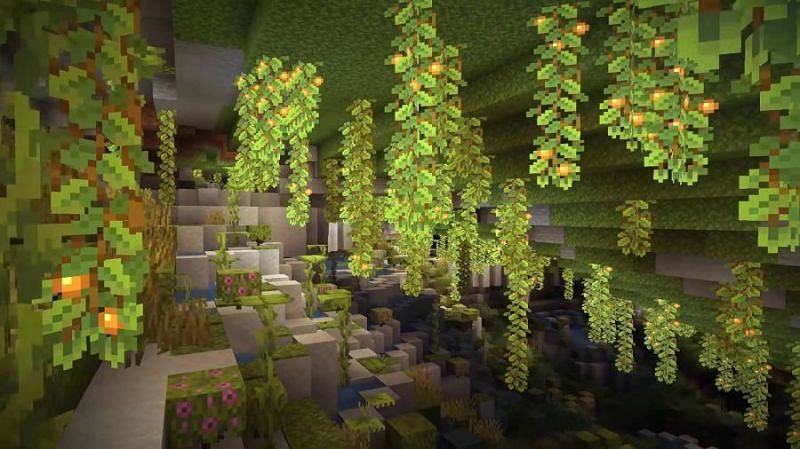
Minecraft 1.17.10.23 patch notes
</figcaption></figure>
<p>While this update is quite small, it provides some needed features and bug fixes for the Bedrock Edition of Minecraft. The official patch notes are listed below:</p>
<ul>
<li>Andesite and Diorite no longer generate excessively throughout the world.</li>
<li>Fixed a crash that could occur when using a Fire Charge on Candles from certain angles.</li>
<li>Fertilizing Grass Block with Bone Meal generates the appropriate number of plants.</li>
<li>Fixed a crash that could occur if a structure was placed with a command in an unloaded area and that structure was deleted.</li>
<li>Fixed a bug that could cause Nether Portals to sometimes take players to wrong coordinates.</li>
</ul>
<p><strong>For amazing Minecraft videos, do subscribe to </strong><strong><a href=) Sportskeeda’s newly launched YouTube channel.
Sportskeeda’s newly launched YouTube channel.
Also read: Minecraft Redditor showcases how to remove the noise from sculk sensors
Edited by Rachel Syiemlieh


