The Optifine mod could be considered essential for all Minecraft players.
The process of installing mods in Minecraft might seem complicated, but more often than not, modifications are worth the effort. The ability to enhance gameplay in Minecraft can make for a great overall experience.
With Optifine, players have access to a whole new list of settings to enhance their in-game experience. Optifine can make Minecraft run faster and smoother, allow the addition of shaders and texture packs, and even enable players to zoom in while in-game.
Let’s take a look at how to download and use the Optifine mod.
Download and usage of Optifine in Minecraft
Step #1 – Download
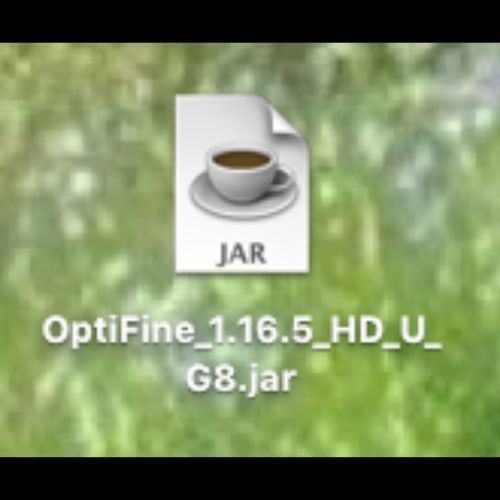
 link. It is important to note that Optifine can only be used on Minecraft Java Edition. Optifine was first released with Minecraft version 1.7.2 and has been updated along with the game over the years.
Click on the version of Optifine that matches the version of Minecraft installed on the device being used. To download Optifine, click on the ‘mirror’ button first, then click on the ‘download’ button. Once the download is complete add the .jar file to the computer’s desktop.
Step #2 – Install
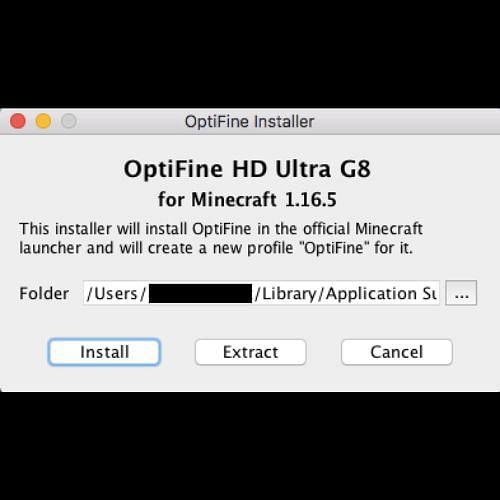
 Java separately to open the file.
Click on the file. From there, the installer pop-up window should open and look something like the image featured above. Then, simply click ‘install.’
Step #3 – Open Minecraft
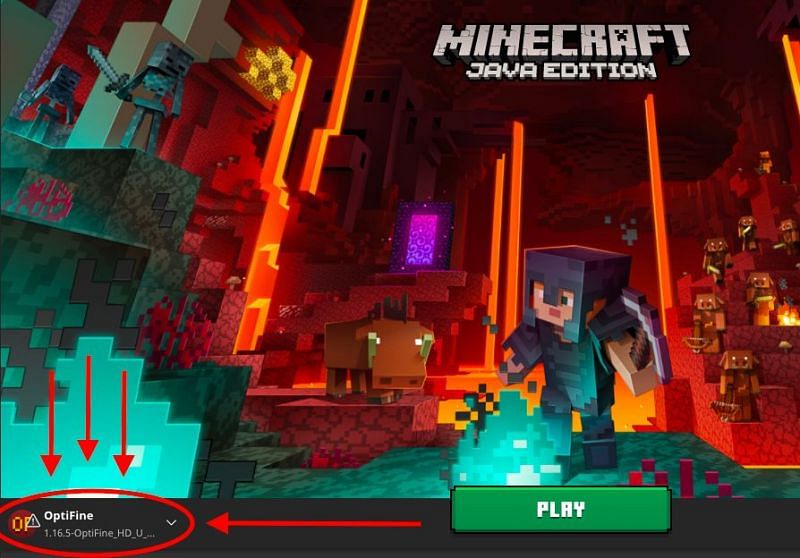
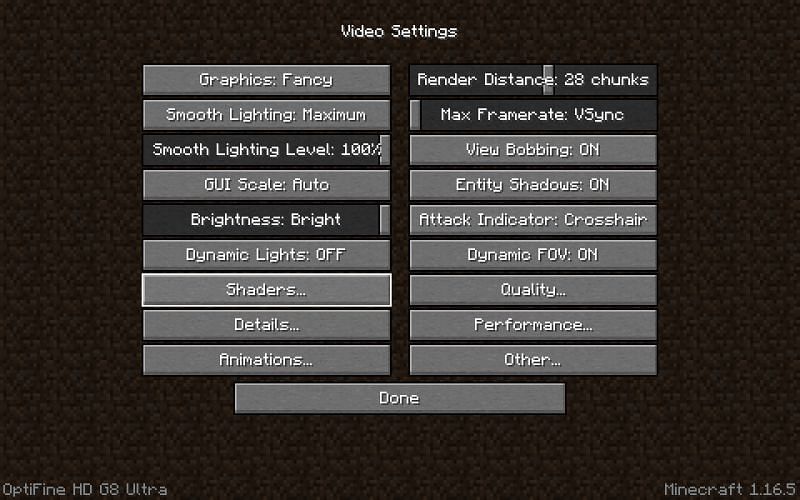
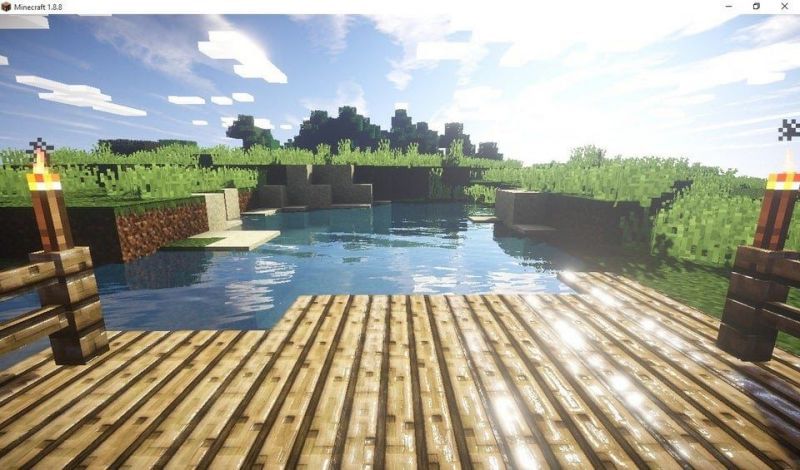
 shaders, like in the image above. There are a wide variety of shaders to choose from, all of which cater to different styles and aesthetics, so players can select settings that best suit their ideal Minecraft visual experience.
For a more detailed video tutorial, check out this video:
Optifine is updated quite regularly so players can check the website or stay up-to-date on social media to get the latest version.


