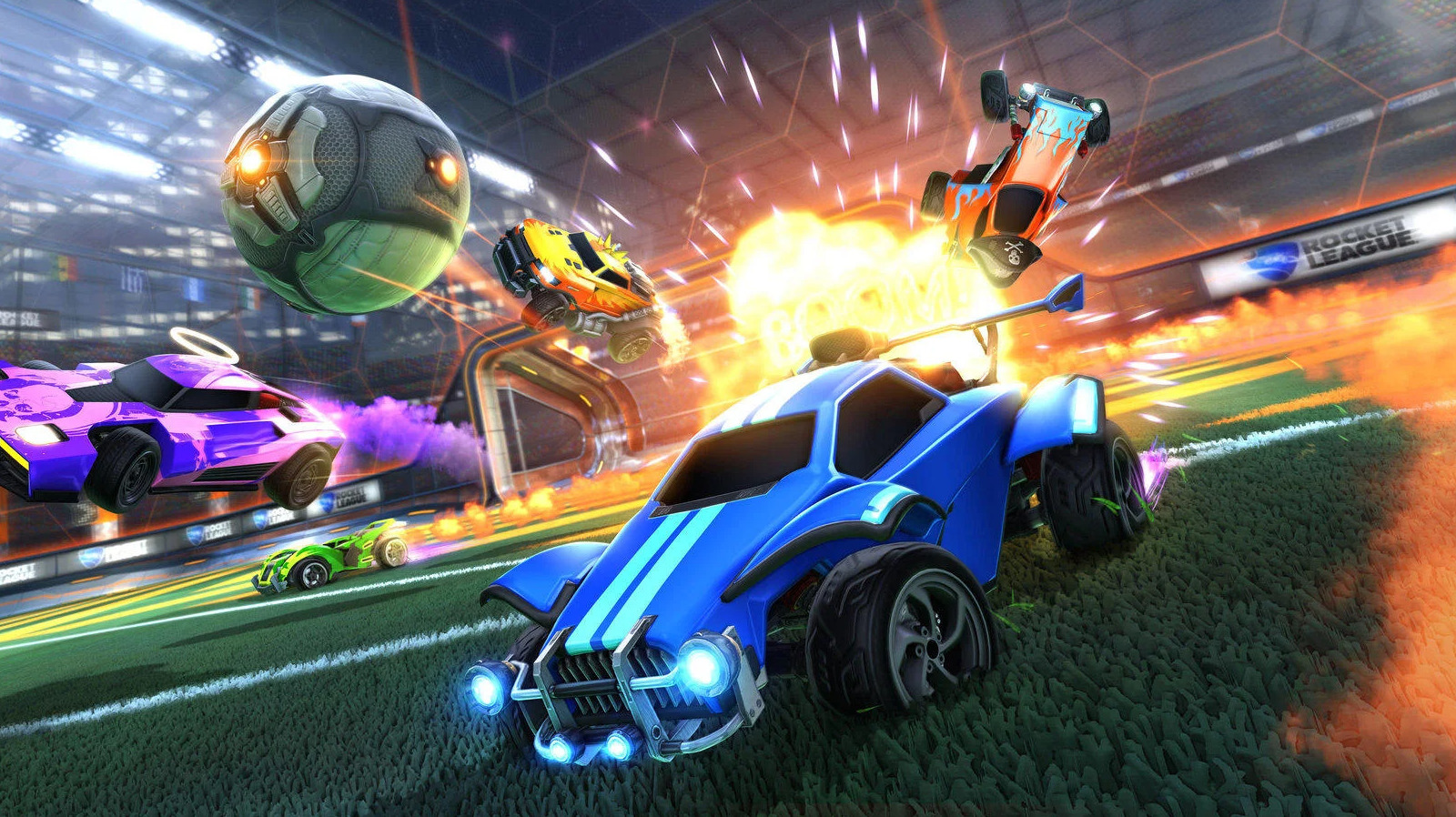
If you are faced with the “Version Mismatch” error in “Rocket League” after an update, the first bit of troubleshooting you should do is to shut down your console or PC. Once you turn it back on, try to open the game. Typically, shutting down your system should solve the issue, but if you are still seeing the error after this step, restart your platform (via Early Game).
If all else fails, you should check to see if your copy of “Rocket League” is up to date. If you are on the Xbox and PlayStation consoles, simply go into your games folder and check to see if the game needs an update. On Steam, check the official game page and see if it offers an update prompt. The same process should apply on the Epic Games Store. When it comes to the Nintendo Switch, it could very well be a case of you not having enough space on your device to complete the latest “Rocket League” update. Clear whatever excess that exists within your internal storage, reinstall the update, and you should be good to go.


