Minecraft has a long and storied history when it comes to mods. Mods are an integral part of the game’s lifeblood and vital to the continued interest the game has been blessed with over the years. And over those same years, the processes for modding the game have both stayed the same and got much easier.
While the same process of installing mods manually can be used, players can also take advantage of the huge strides the community has made in streamlining the modding process for the almost entirely automated installation and management of mods.
This is how Minecraft players can install the physics mod
Installing the mod manually
</figcaption></figure>
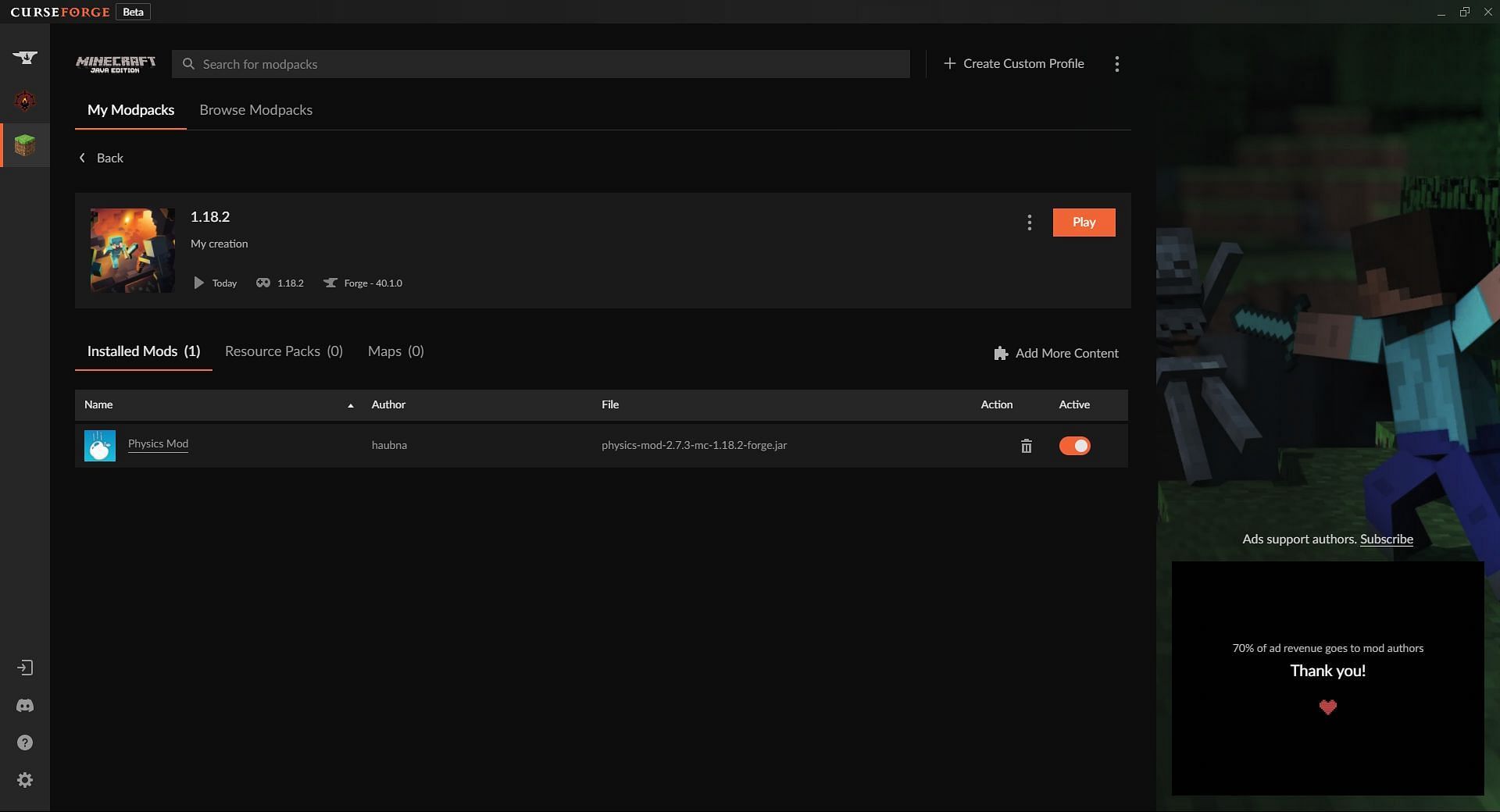
<p>Another option for installing the physics mod is by using the <a href=) CurseForge client. Once the player has installed CurseForge and linked it to their Minecraft installation, they will need to click on the button labeled Create Custom Profile, select the version of the game they want to mod, and then give it a name. This profile will act as a collection of mods or a custom mod pack.
CurseForge client. Once the player has installed CurseForge and linked it to their Minecraft installation, they will need to click on the button labeled Create Custom Profile, select the version of the game they want to mod, and then give it a name. This profile will act as a collection of mods or a custom mod pack.
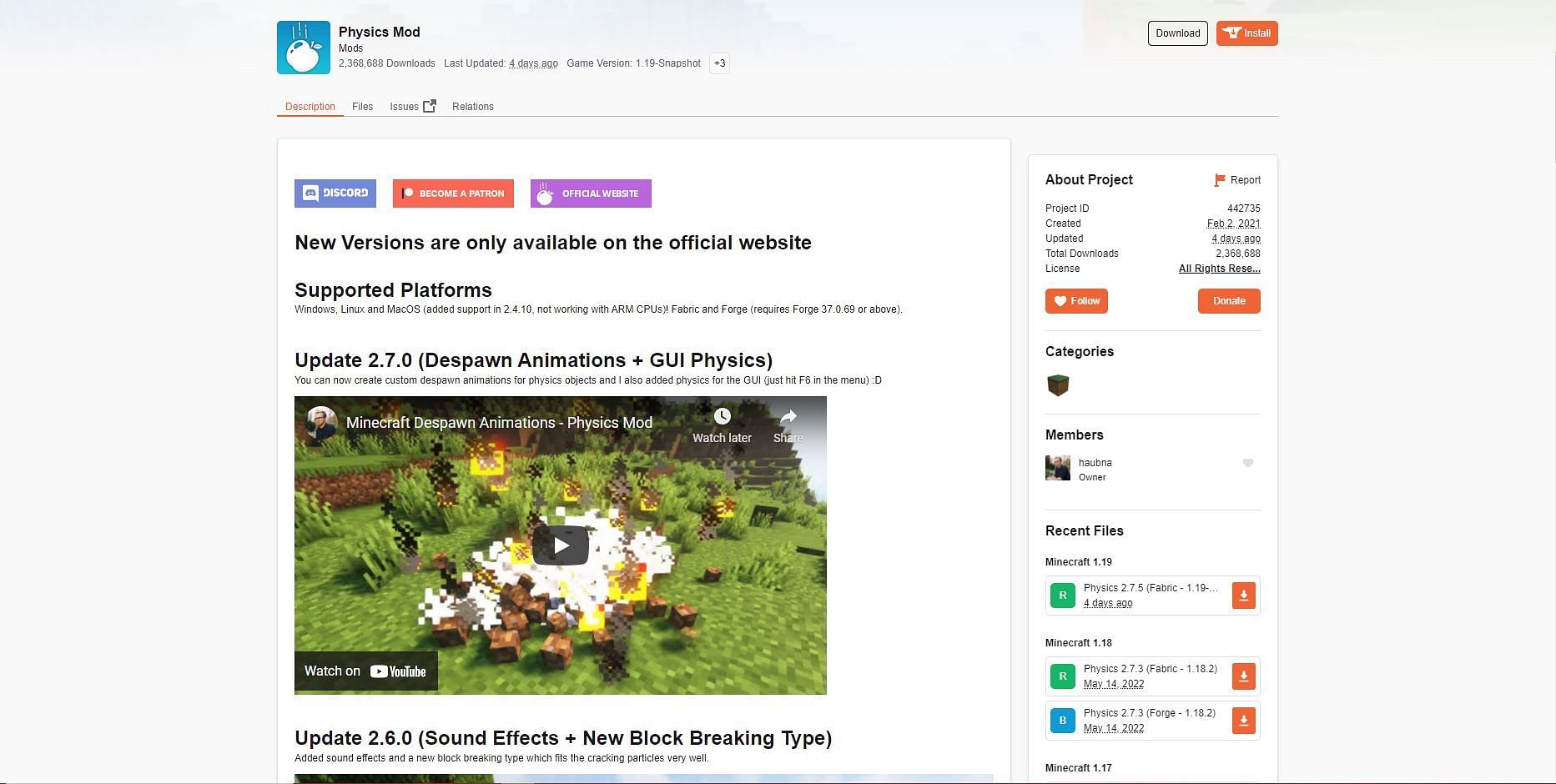
From there, players can click on their newly created profile. This will take them to the mod management screen; however, as the pack is new, there is no content in it yet. Players will then need to click on the Add More Content button, which will take them to the mod list. From here, players can use the search bar to search for the physics mod. It should be the first result and have haubna listed as the creator.
Players will then simply need to click Install, and CurseForge will download the mod and add it to the profile automatically. If there are any other mods the player would like, they can download them here. Otherwise, players can use the escape icon above the search bar to return to the mod management screen. After that, they can just hit the orange play button to launch the game with the installed mods running.
Now players should have all the explosion and ragdoll physics they could ever want in Minecraft.


