A few weeks ago, Mojang released the much-awaited Minecraft 1.18 update. The second phase of Caves and Cliffs completely overhauled the Overworld generation in Minecraft.
Players can find massive mountains attaining height levels as high as Y 256 and caves slumbering down to Y -59. These drastic changes also brought some new advancements to achieve in Minecraft.
The Caves and Cliffs Part 2 update added advancements to Minecraft. All of them involve 1.18 features in one way or another. This article guides players to Star Trader, one of the four newly added advancements.
Star Trader advancement in Minecraft
</figcaption></figure>
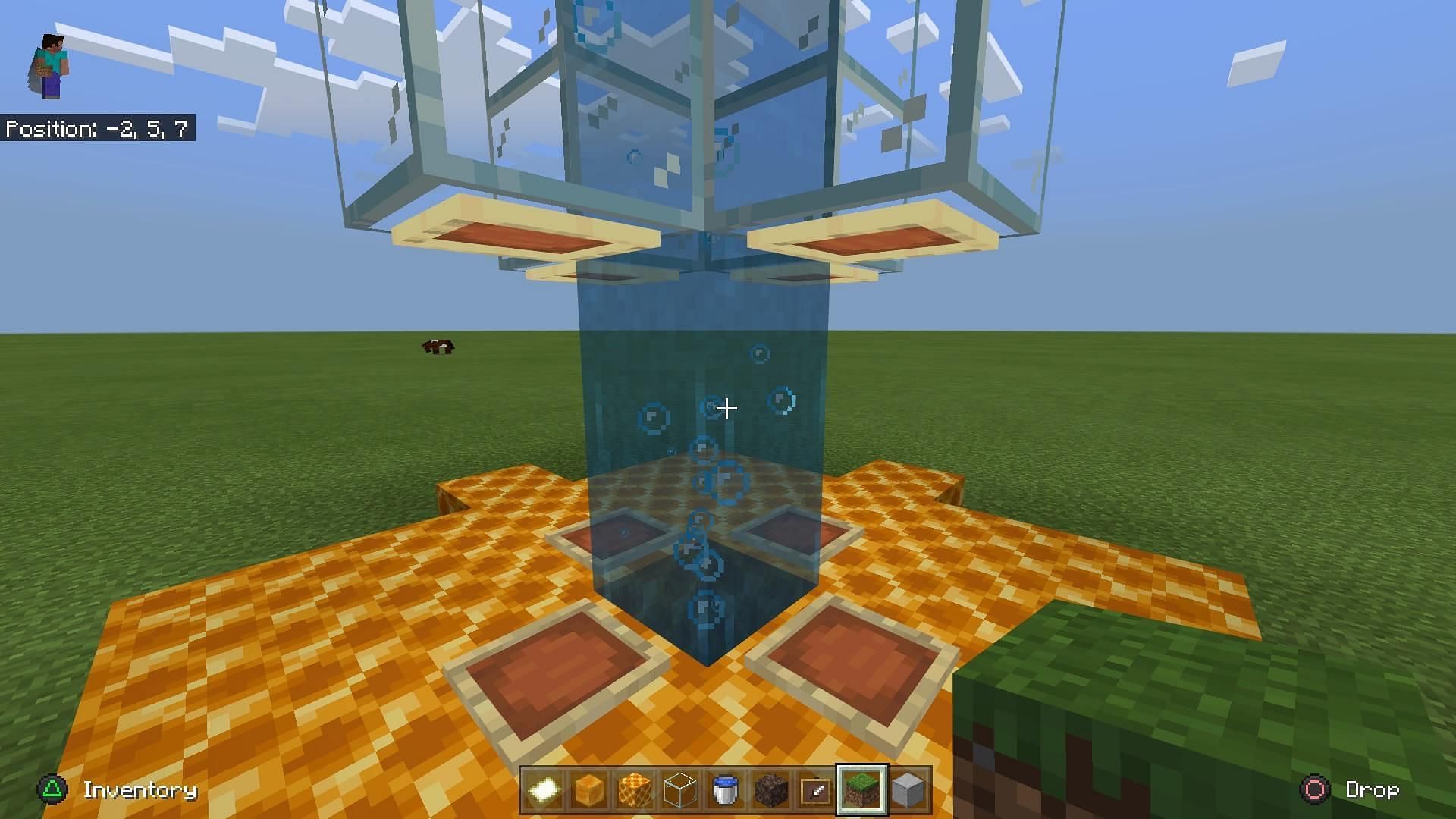
<p>No mountain generates up to height level 320. The only way to take a villager up to the build limit is by using an elevator. Players can either build a water elevator or use a piston elevator to move the villager up.</p>
<p>Redstone engineers will probably opt for a piston elevator. Players lacking redstone knowledge can build an elevator using a bubble water column. The elevator needs to reach the top of the world.</p>
<hr>
<h3>Step 2: Capture a villager</h3>
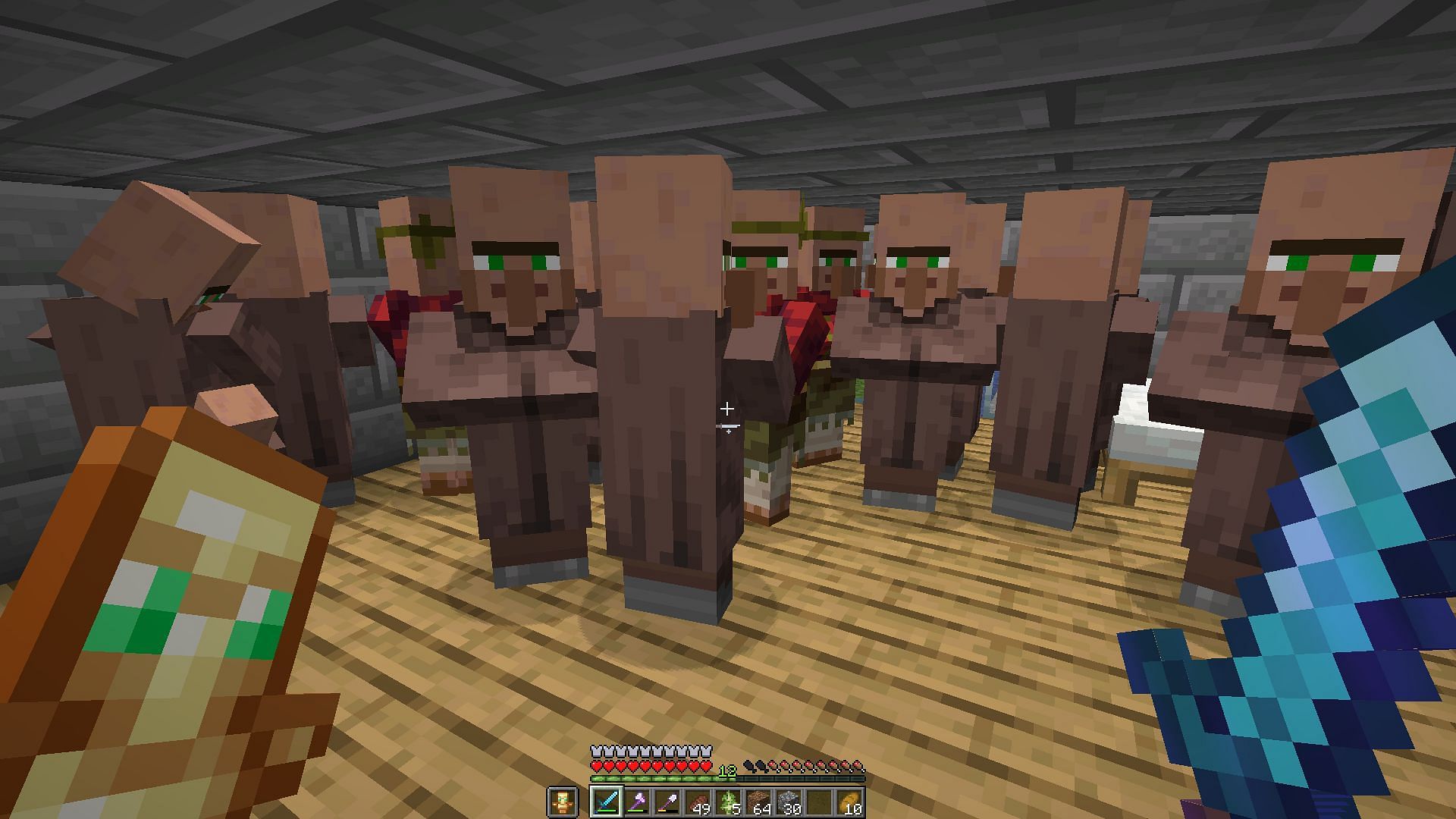
<p>Players will obviously need a <a href=) villager to get Star Trader advancement. But if they fail to find one, wandering traders can also work. Capture a villager/wandering trader in a minecart or boat and take them to the elevator.
villager to get Star Trader advancement. But if they fail to find one, wandering traders can also work. Capture a villager/wandering trader in a minecart or boat and take them to the elevator.
Step 3: Take the villager to the elevator

Players will have to take the captured villager to the elevator. If it is a water elevator, break the minecart/boat and push the villager into the elevator. Players who have built a redstone elevator can place the minecart/boat with the villager on the elevator and activate it.
Step 4: Trade with the villager
After the villager reaches the build limit, players will have to place a workstation block unless the villager already has a profession. Trade any item with the villager and voila! The Star Trader advancement is achieved.
Also ReadArticle Continues below
Star Trader is a fun-to-do advancement that forces players to reach the new build limit. After getting this advancement, players can use the elevator to build in the sky.


