Minecraft custom maps allow players to experience the game in virtually any setting imaginable. These maps are created by players and can be downloaded online.
Aside from offering an amazing gameplay experience, custom maps can also teach players useful building tips and tricks.
The image above is a screenshot of the Future City custom map created by Zeemo. Players will face zombies, creepers, and skeletons while roaming the barren city streets of this map.
Also read: How to download Minecraft Bedrock 1.17.10.23 beta version on Windows & Android devices
How to download and import a custom map in Minecraft Java Edition
Download a map
</figcaption></figure>
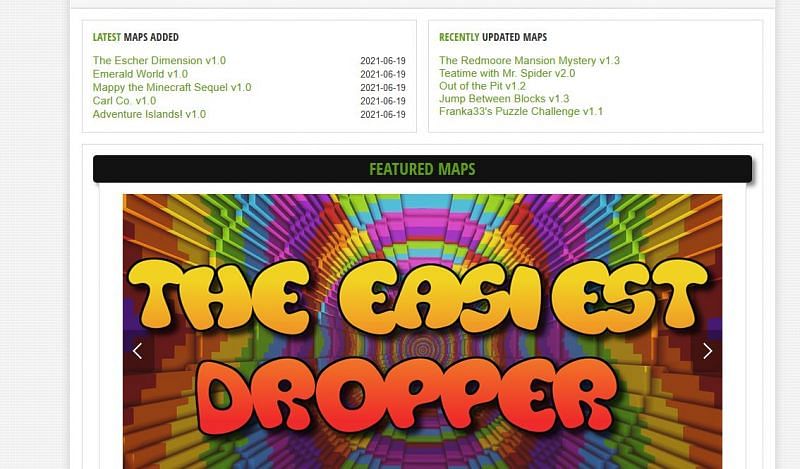
<p>Before playing on a Minecraft custom map, players must locate and download a map of their choice. This can be done on multiple websites such as minecraftmaps.com or mapcraft.me. It is important to note that the custom map should be on the same Minecraft version as the player’s client.</p><div class=)
</figcaption></figure>
<p>Now that the player has downloaded the zip file, they can import it into their game.</p>
<p>Players must follow these exact instructions to import their custom map into their game client:</p>
<ul>
<li>Right-click on the custom map zip folder and click on Extract.</li>
<li>Right-click on the newly created folder and click on Copy.</li>
<li>In the Windows search bar, type “%appdata%”.</li>
<li>Locate and enter the .minecraft folder (if it is not there, click on the View tab and check Hidden Items).</li>
<li>In the .minecraft folder, locate Saves.</li>
<li>Right-click and paste the folder into the Saves folder.</li>
<li>Launch Minecraft and check Singleplayer Worlds.</li>
<li>Play custom map.</li>
</ul>
<p>If all goes well, the custom map should show up on the players’ single-player worlds menu screen. If this isn’t the case, players should double-check that the custom map is in the correct version of Minecraft.</p>
<div class=)


