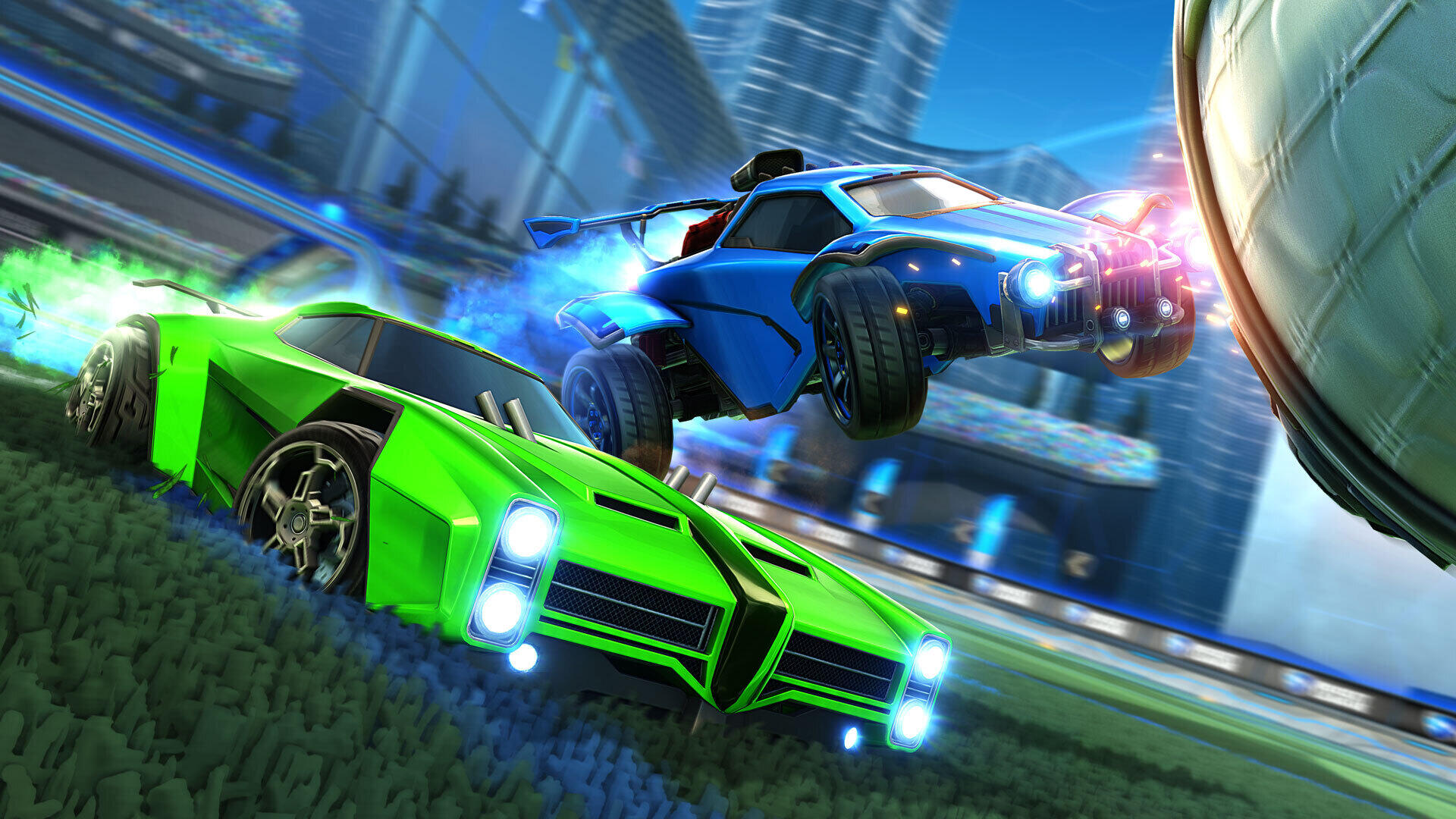
Rocket League is one of the more mechanically challenging modern esports.
It starts with the basic controls and extends to the camera and deadzone settings.
With professional experience dating back to 2017 and an estimated winnings around $30,000, the Charlotte Phoenix’s Jaime “Karma” Bickford is a gamer worth emulating.
If you’ve been using default settings for too long and want to step your game up a level, here is how to do it like Karma.
Karma’s Control Settings
| Powerslide R1 |
Air Roll Left Square + R1 |
Air Roll Right Square + L1 |
| Boost Circle |
Jump X |
Ball Cam Triangle |
| Brake L2 |
Throttle R2 |
Karma’s Camera Settings
| Camera Shake No |
FOV 110 |
Height 100 |
| Angle -0.5 |
Distance 260 |
Stiffness 0.35 |
| Swivel Speed 4.70 |
Transition Speed 1.30 |
Ball Camera Toggle |
Deadzone Settings
| Deadzone Shape Cross |
Deadzone 0.05 |
Dodge Deadzone 0.50 |
| Aerial Sens 1.30 |
Steering Sens 1.30 |
Please follow and like us:


